
Get started with CAD ROOMS, the modern Cloud PDM & PLM platform built for high-performance engineering teams. This video walks through the full workflow—browsing your cloud drive and project history, syncing files to your desktop, checking out and editing CAD files, contributing changes back to your team with a clear audit trail, and inspecting any version in the built-in CAD Viewer.
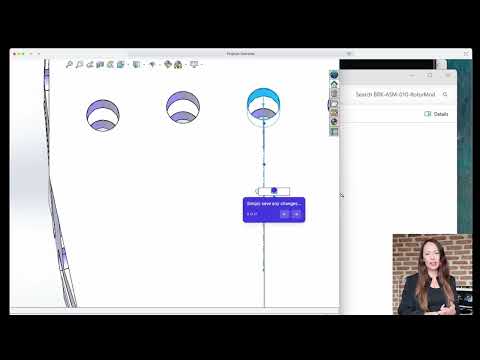
Key Video Chapters
- 00:14 — Browse Your Cloud Drive and Project History
- 00:31 — Sync Files with the Desktop App
- 00:52 — Check Out Files and Enforce Version Control
- 01:14 — Contribute Changes Back to Your Team
- 01:45 — Inspect Files with the Built-in CAD Viewer
How to Get Started with CAD ROOMS
- Create your workspace. Set up CAD ROOMS and invite your engineering team to collaborate.
- Upload or sync files. Add CAD files from your computer or sync them through the Desktop App.
- Open in the 3D viewer. Inspect, measure, and annotate any CAD file in the browser—no CAD software needed.
- Share securely. Give teammates, suppliers, or clients the right permissions on each file or project.
- Track every change. Follow version history and release formal revisions to keep the design record clean.
For more detailed instructions, see the CAD ROOMS Help Center.